Practice, and a log of everything you have run
The test tells you which level beats you. Practice is where you do something about it — an endless stream of generated layouts at exactly that level.
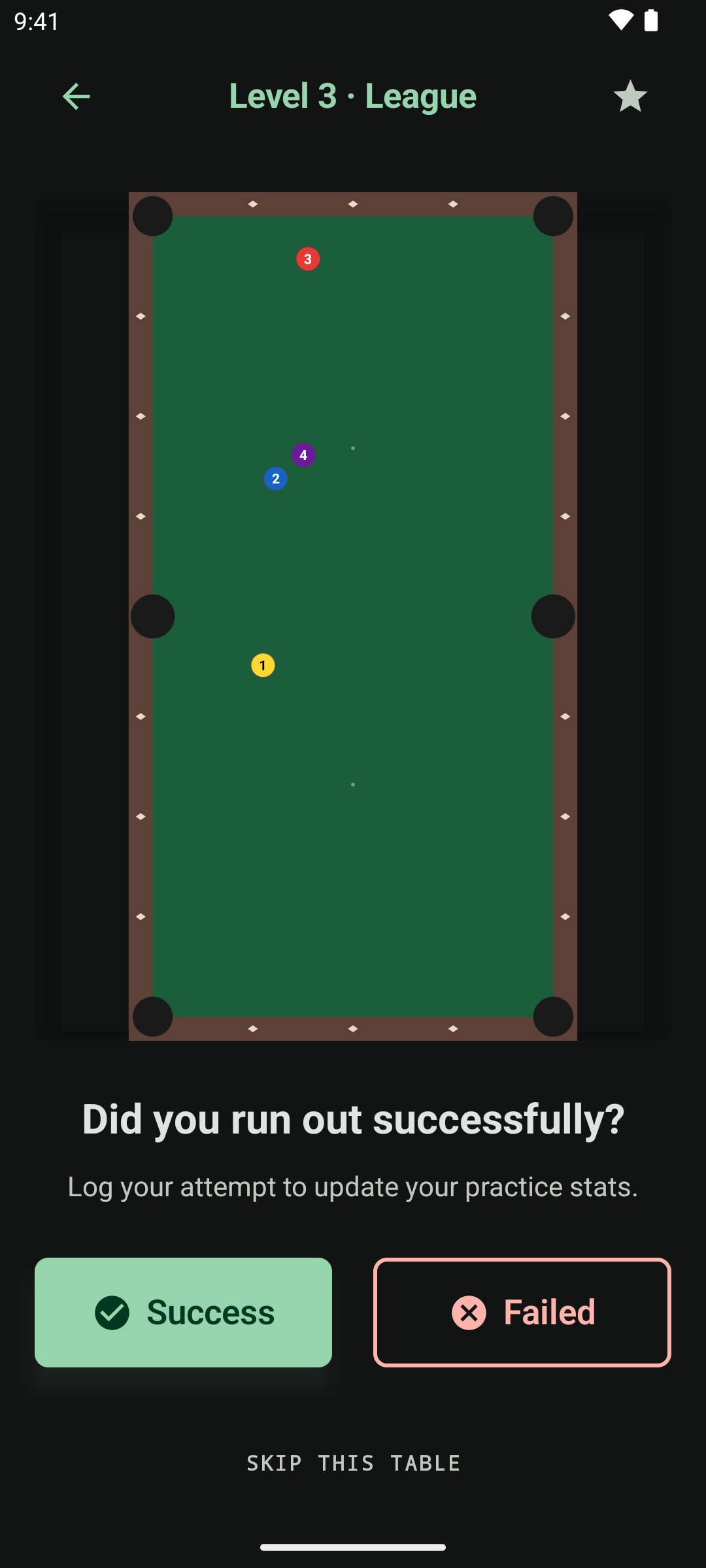
A session
Never run out of material, never memorise a layout
Practice tables are generated on demand at whatever level you pick, and your attempts count toward that level's statistics. The illustration stays on screen for the whole attempt, so you can re-rack it if the layout gets disturbed.
- One tap logs a success or a failure, with confirmation that it was recorded
- Skip a layout you do not want to play, rather than stalling the session
- Retry the exact same layout to drill it until you own it
- Generate the next table straight after recording — a loop, not a menu tree
- Reopen the last table you generated from the home screen after closing the app
The training log
A complete record of the work you have put in
Every table you have played
Browse the lot, with the date, the level, and how many attempts you ran out.
Favourites
Star the layouts worth repeating and filter the log to favourites only, building a personal library of drills.
Continue from anywhere
Pick any table in the log and carry on training from it. Revisiting an old layout is one tap.
An empty log tells you how to fill it rather than showing you a blank screen.
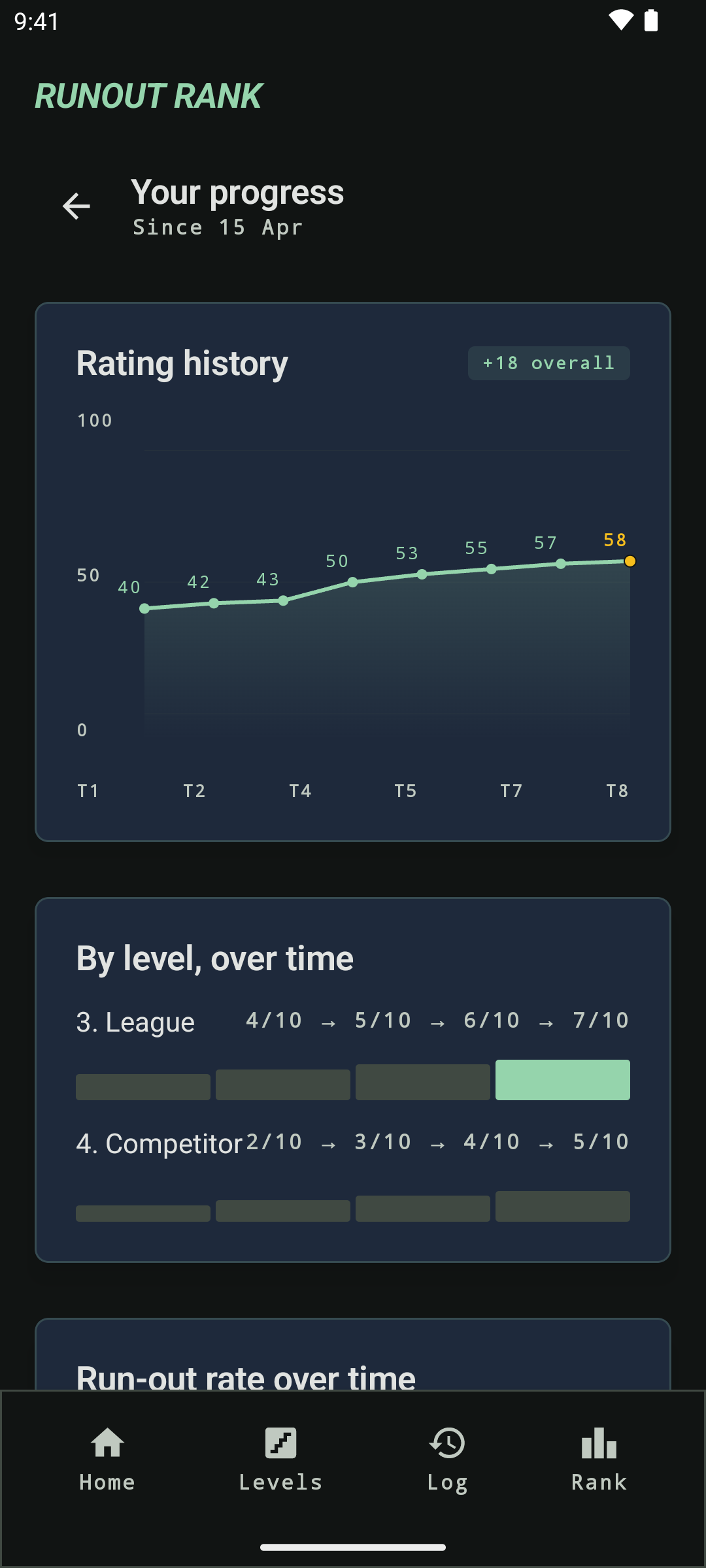
Where you stand — free, always
The numbers that answer “am I getting better?”
Your 0–100 rating and tier, the highest level you have cleared, your edge level, and the rating change since your last test. Underneath: lifetime attempts, total run-outs, overall run-out rate and best streak, plus a plain-language read of the ratio — “you are running out 1 in every N tables”.
Retaking the test at your edge level is one tap from the same screen.
Get the number
Ten tables. One attempt each. One honest rating.
Set the layouts up on the table you already play on. The app scores the run-outs and tells you which level to train at next.